RFQ Software for Procurement Workflows

A better procurement workflow starts with smarter sourcing. WorkFish helps teams identify savings opportunities, request bids, create contracts, and onboard suppliers in one place.
Header image
1,000+ businesses trust WorkFish

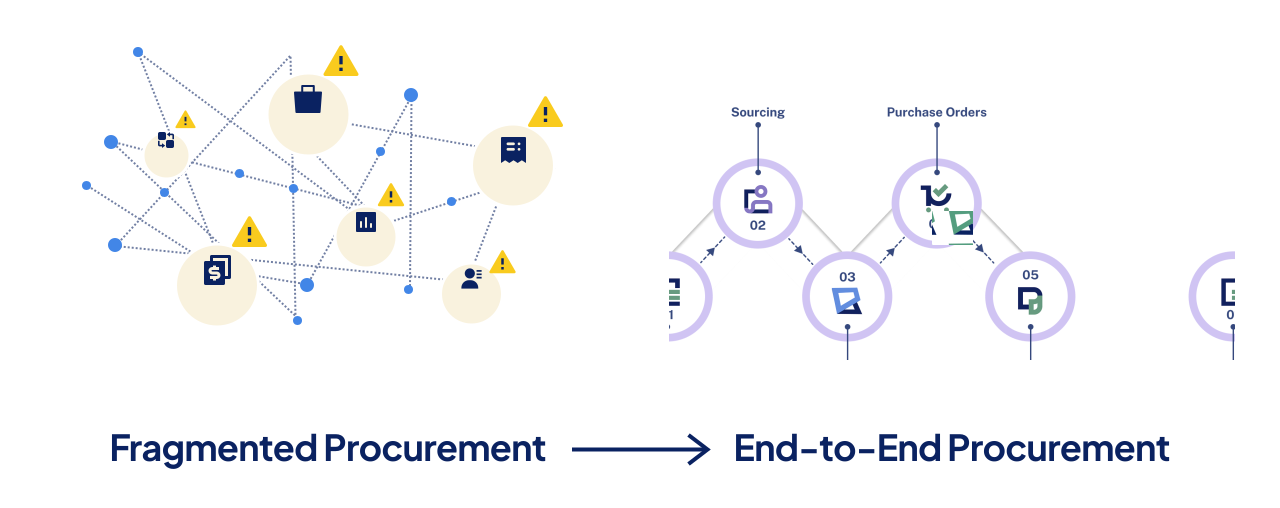
Move to a Unified Procurement System

Avoid disconnected tools and heavy systems that only solve part of the problem, cost too much, and slow your teams down

From RFQ Process to
Contract & Purchasing

STEP 1

Plan & Source

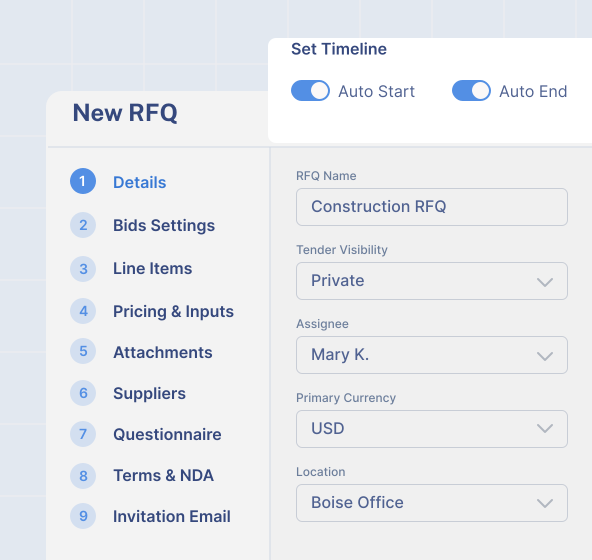
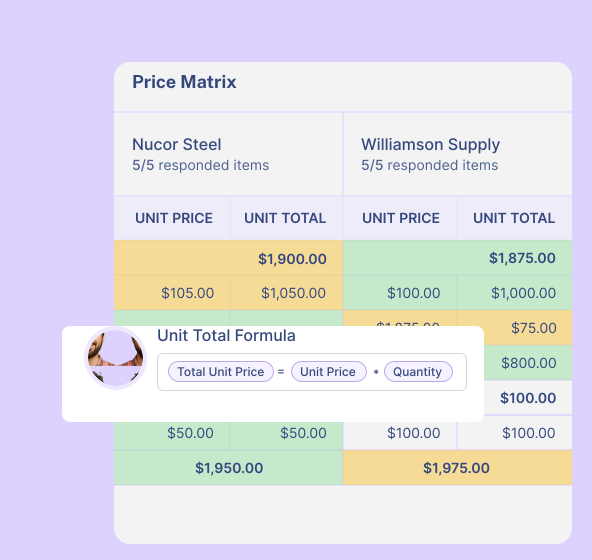
Create RFQs faster with rfq templates, reusable fields, bid rules, pricing formulas, and supplier requirements. Notify suppliers automatically through the portal or localized emails.
Header image
Header image
STEP 2

Collect & Compare Bids

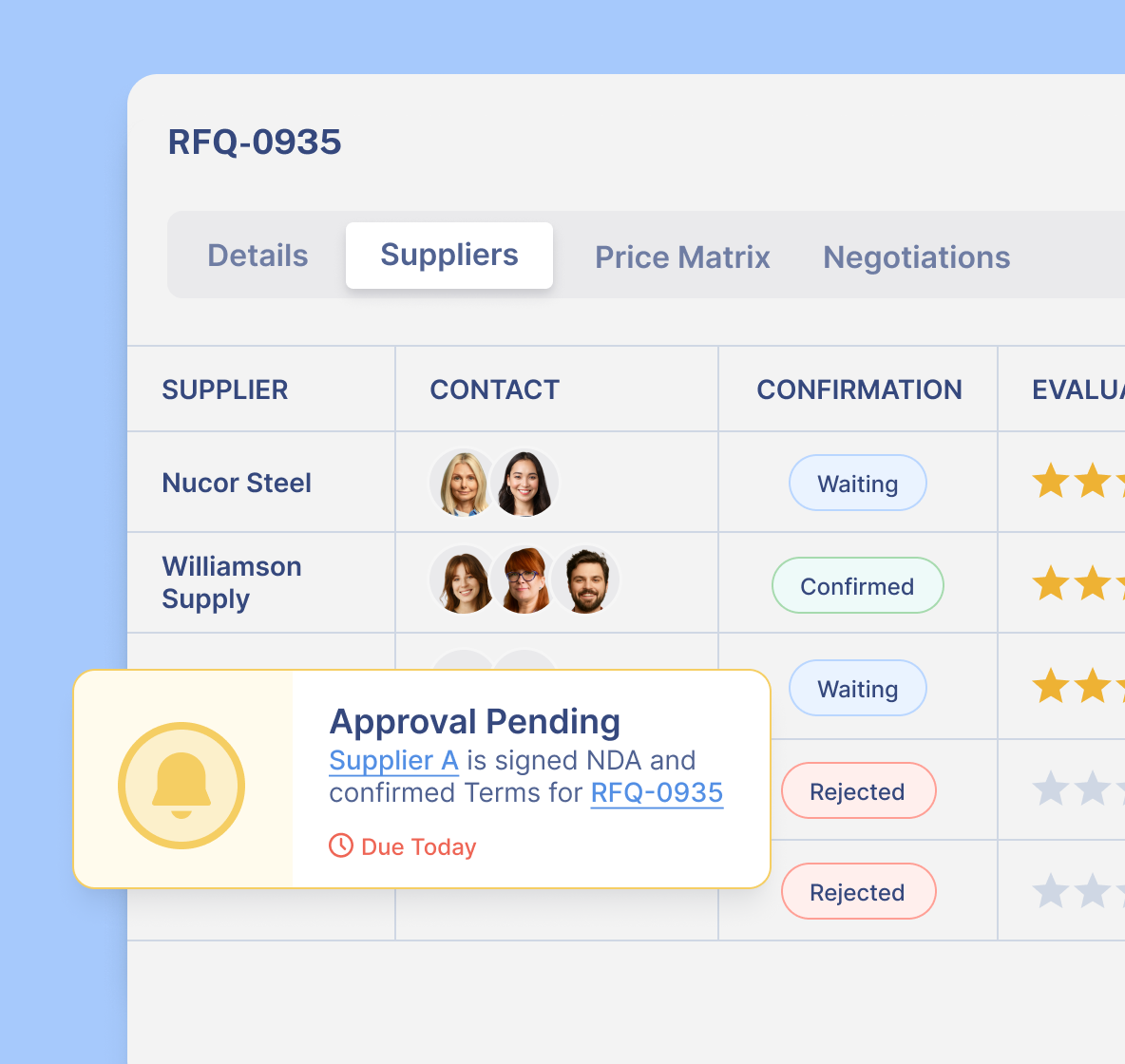
Suppliers can complete onboarding, approve NDAs, and submit quotes directly through the supplier portal.
Buyers can compare bids in a quote matrix, message suppliers, and import quotes on their behalf when needed.
STEP 3

Evaluate & Select Suppliers

When bidding ends, buyers can negotiate quotes or open a new round for revised offers.
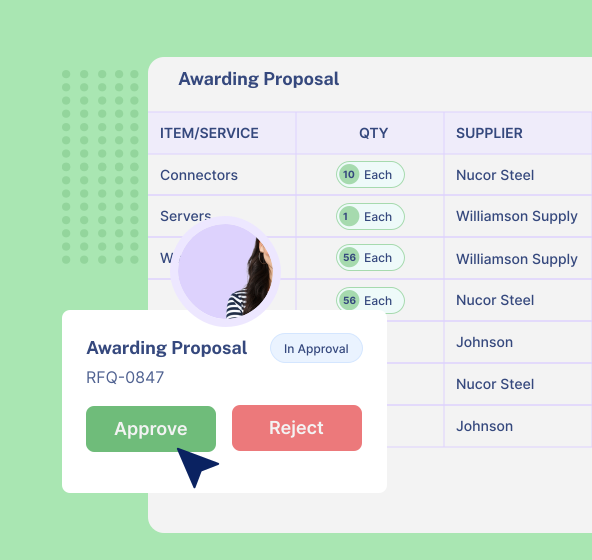
WorkFish supports custom evaluation scenarios, automated supplier scoring, and split awards across items, quantities, or spend.
Header image
Header image
STEP 4

Contract & Purchasing

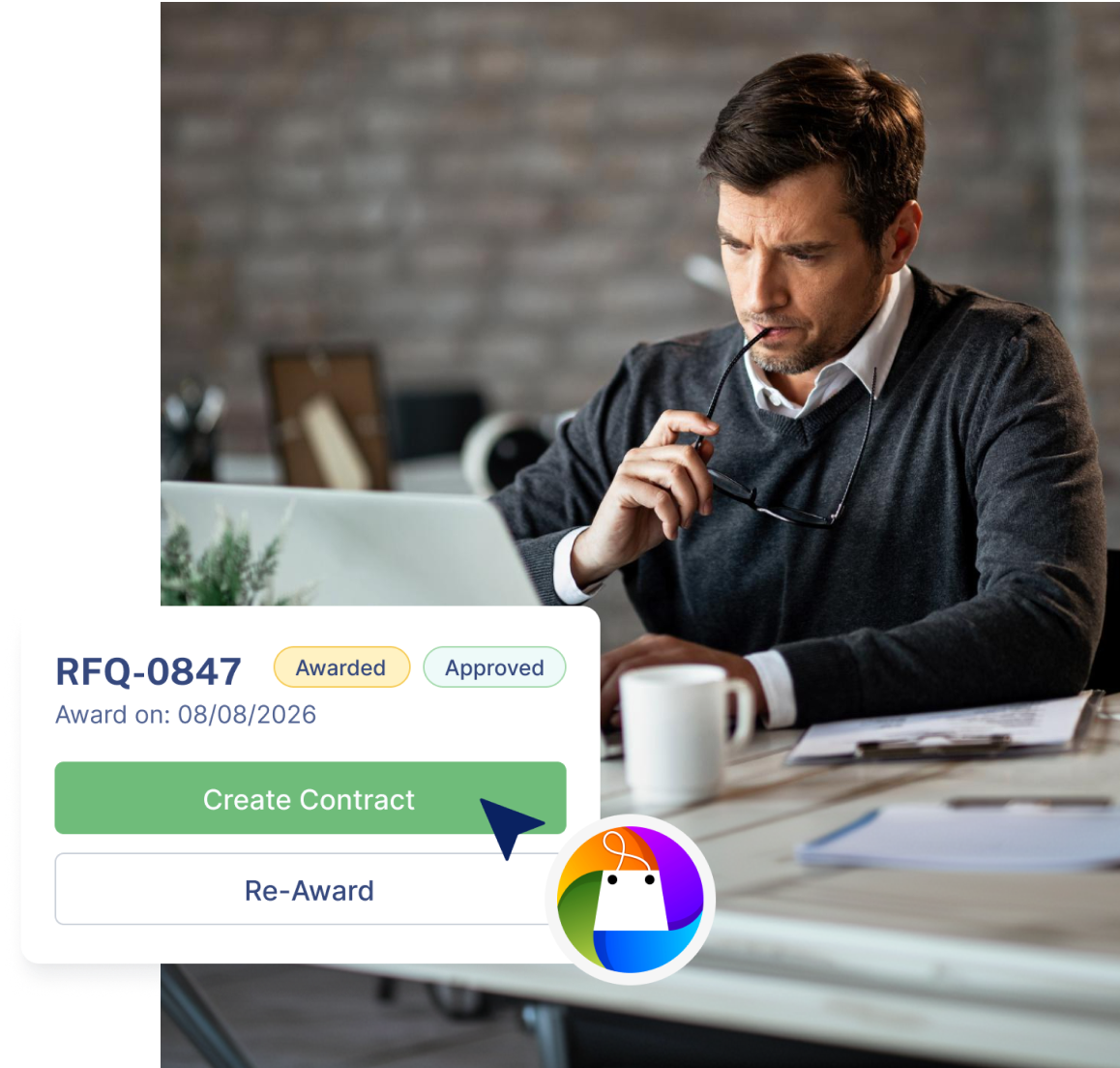
Once an RFQ is awarded and approved, WorkFish can convert it into a contract and route it through the right approval workflow.
Purchasing then proceeds against the linked contract, keeping procurement aligned with agreed terms, controls, and approval requirements.

Manage Procurement From Sourcing to Payment

WorkFish integrates sourcing, supplier management, purchasing, inventory, approvals, and operations into one system

Run RFQs From Bid to Award

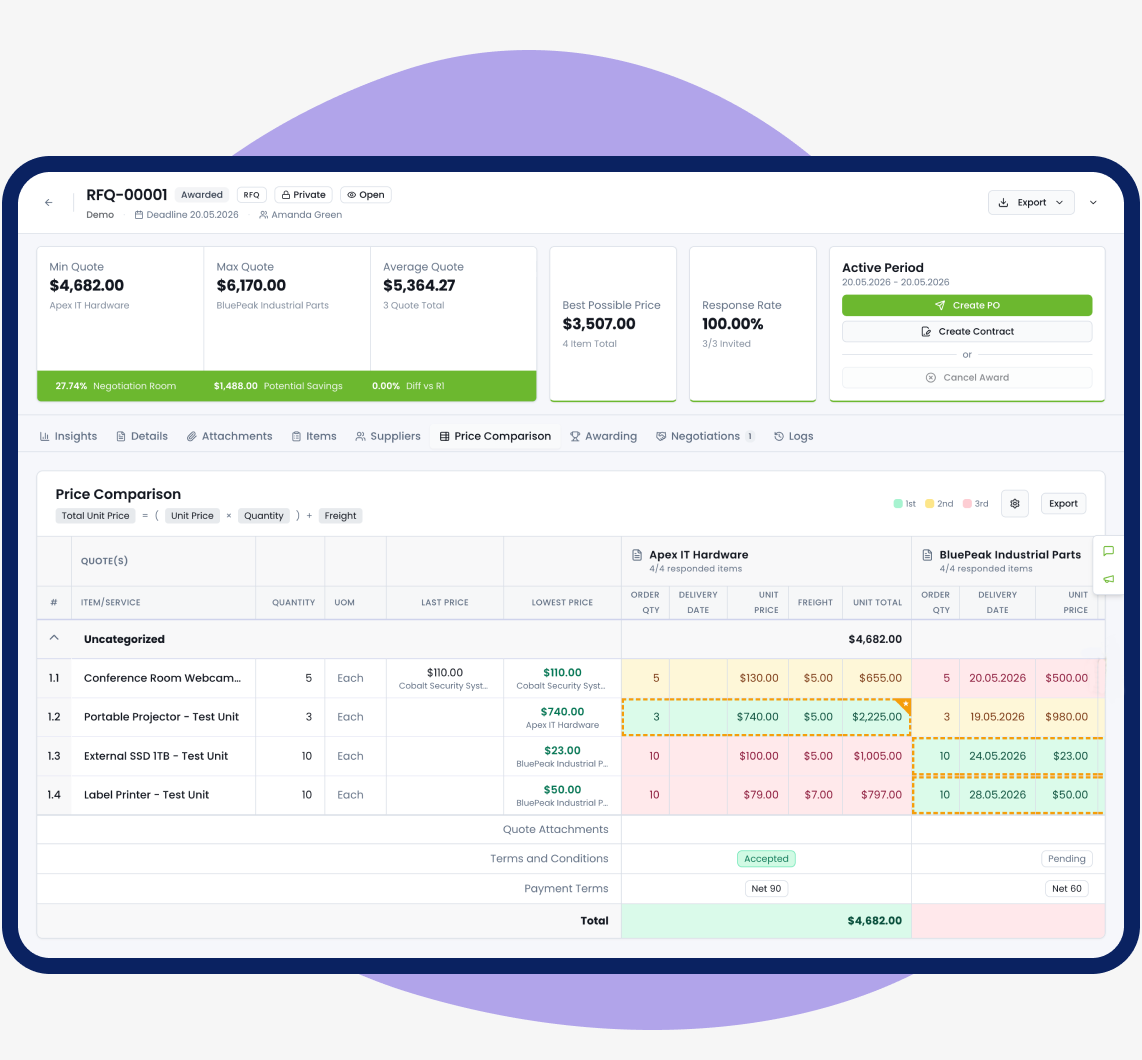
WorkFish helps teams create RFQs, collect supplier responses, compare pricing, negotiate terms, and convert awarded bids into purchase orders or contracts.
Manage supplier submissions through the portal
Compare responses and pricing side by side
Convert awarded bids into purchase orders or contracts
Dashboard mockup

Streamline Purchasing from Request to Payment

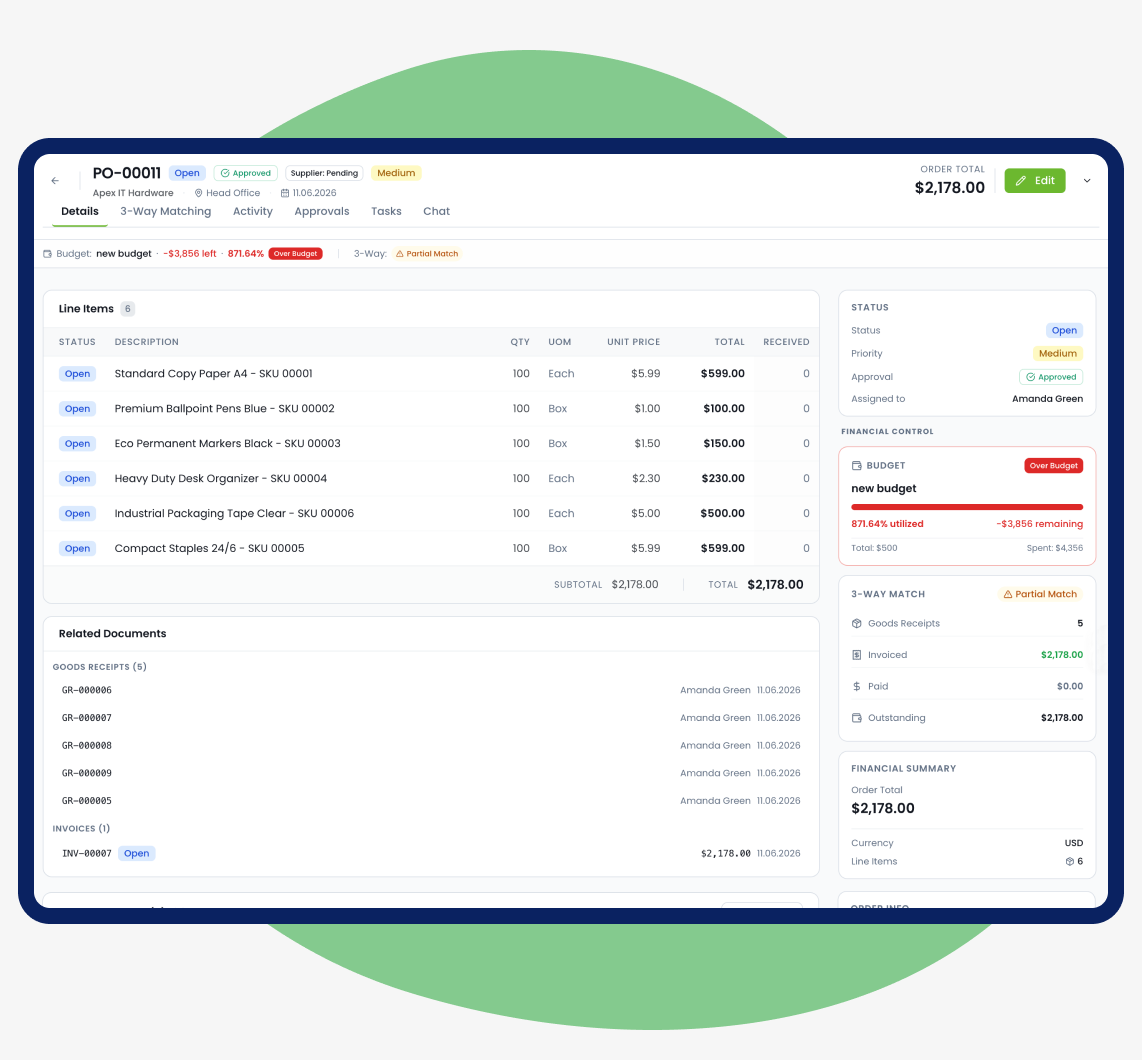
WorkFish helps teams turn purchase needs into approved requests, purchase orders, goods receipts, invoices, and payment visibility — with budget controls and approval workflows built in.
Create and approve purchase requests
Convert approved requests into purchase orders
Track receipts, invoices, budgets, and payment status
Dashboard mockup

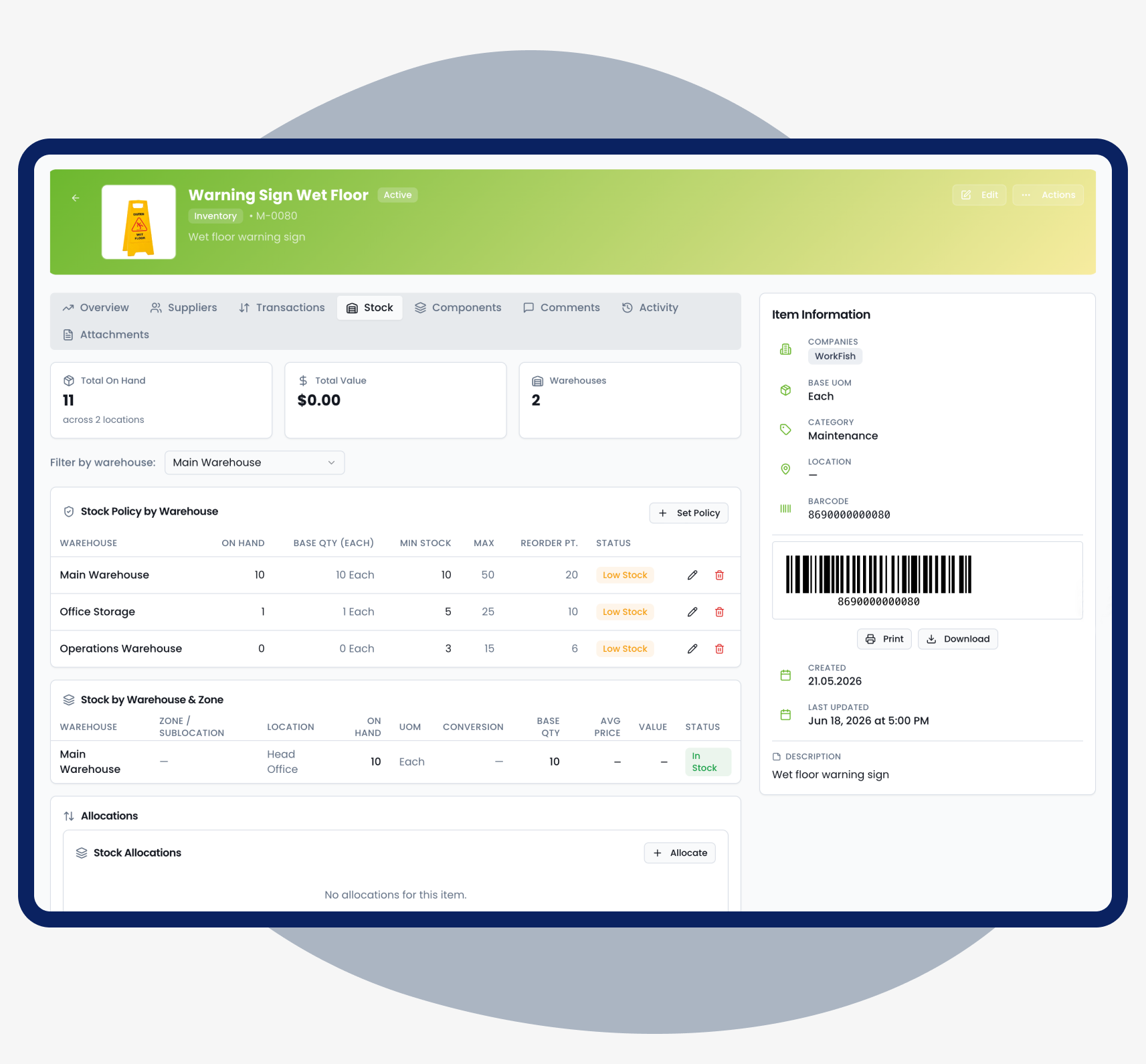
Track Inventory, Assets, Equipment

Manage inventory, assets, and warehouse activity in one place, with visibility across locations and procurement workflows.
Connect inventory and assets to procurement workflows
Track stock levels, transfers, counts, and adjustments
Set reorder points and low-stock alerts
Dashboard mockup

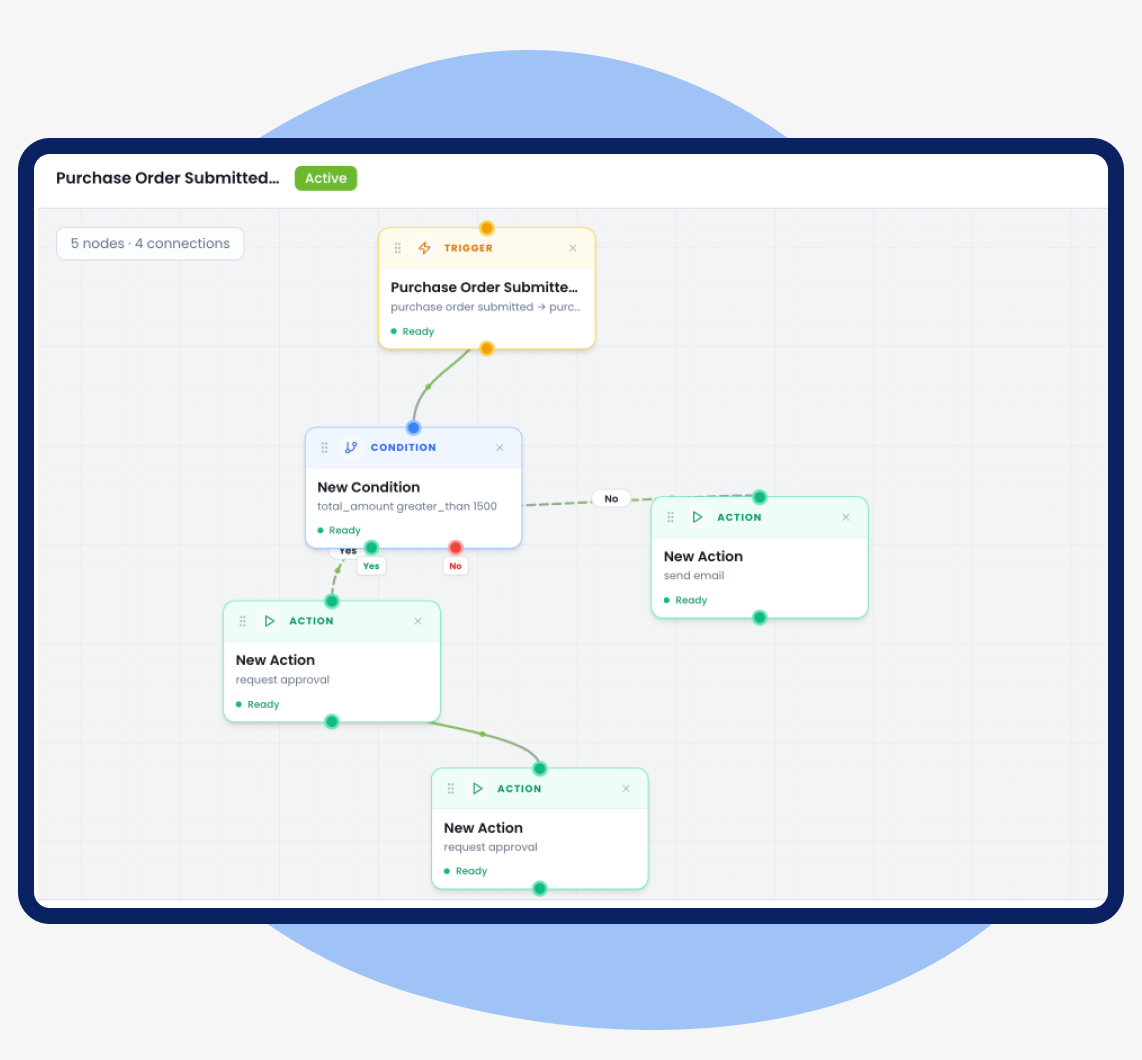
Coordinate Daily Work

Keep operational work moving with one workspace for tasks, approvals, work orders, and team coordination.
Assign and track tasks across teams
Route approvals without manual follow-up
Monitor activity by project, department, or location
Dashboard mockup

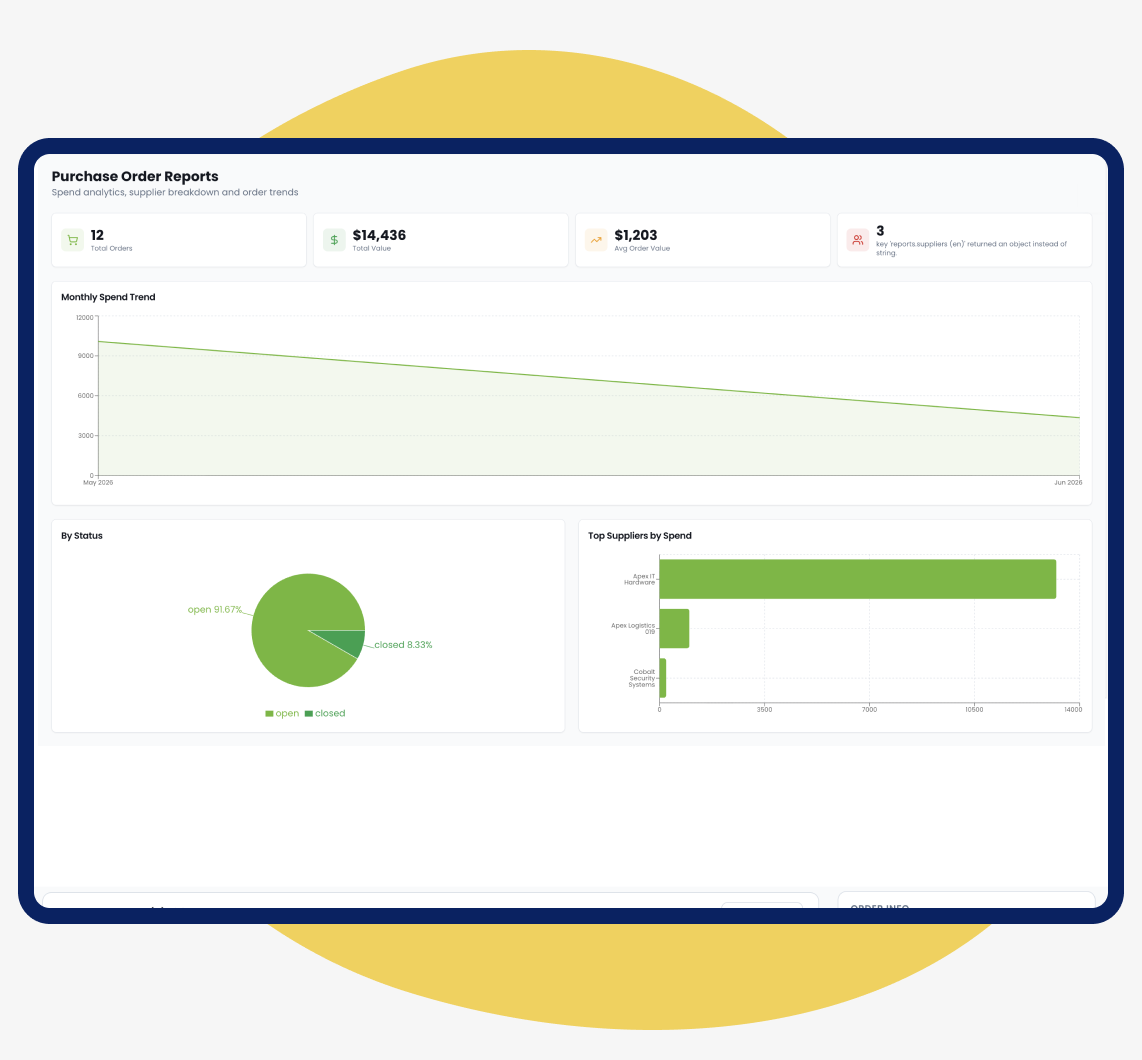
Advanced Reports & Analytics

Get instant visibility across critical business operations with built-in reporting and analytics. Generate full reports and export to multiple formats.


Spot risks, delays, savings, and bottlenecks
Evaluate supplier performance, order values, purchasing trends
Analyze spend by budget, project, and department
Dashboard mockup

Seamless Sync with Your Core Systems

WorkFish integrates with ERP, QuickBooks and DocuSign platforms. Open API’s for anything else
MacBook mockup
See How WorkFish Fits into Your Workflows
A personalized demo tailored to your challenges, led by experts who understand what matters most.
Thank you! Your submission has been received!
Oops! Something went wrong while submitting the form.

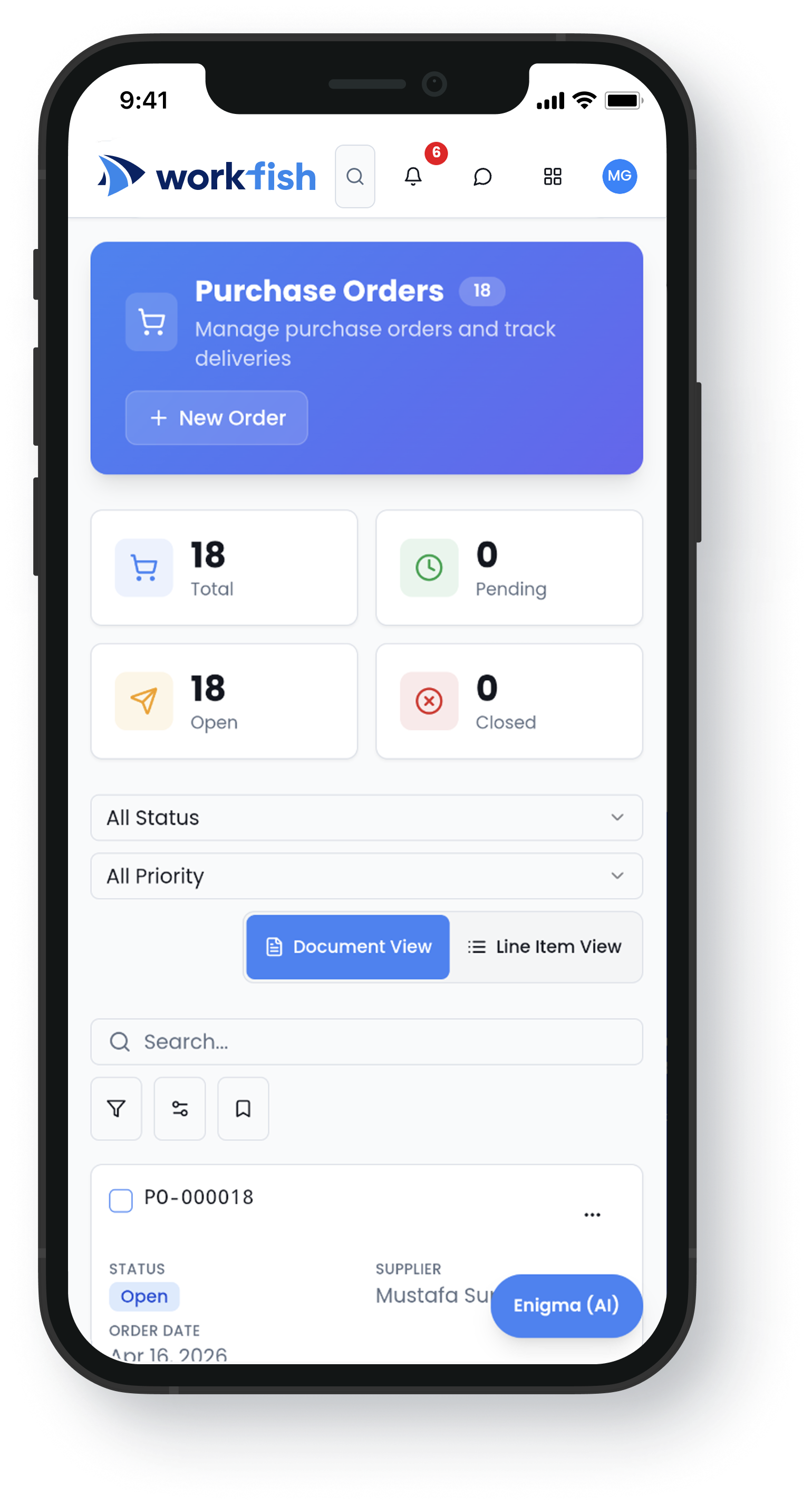
Accessible Anywhere

Our mobile app helps you monitor procurement operations from anywhere, even when you’re offline.
Dashboard mockupiPhone mockup

FAQs

How does WorkFish support the RFQ process?
WorkFish helps buyers create RFQs, invite suppliers, collect quotes, compare bids, negotiate offers, and move approved awards into contracts.
Does WorkFish support supplier onboarding?
Yes. WorkFish supports supplier onboarding workflows, including document collection, supplier approvals, and separate NDA approval steps when required.
Can suppliers submit quotes through a supplier portal?
Yes. Suppliers can submit quotes, documents, and updates through the supplier portal. Buyers can also communicate with suppliers and manage quotes on a supplier’s behalf when needed.
Can buyers compare supplier bids in WorkFish?
Yes. Buyers can compare quotes side by side using a quote matrix, including pricing, terms, quantities, delivery details, and other evaluation criteria.
Does WorkFish support automated supplier evaluation?
Yes. WorkFish includes default evaluation scenarios, and users can create custom evaluation models based on their procurement needs. The system can automate the evaluation process to help teams compare suppliers consistently.
Can an awarded RFQ be converted into a contract?
Yes. Once an RFQ is awarded and approved, it can be converted into a linked contract and routed through the required approval workflow.
How does WorkFish help control purchasing after a contract is created?
Purchasing can proceed against the linked contract, helping teams follow agreed pricing, terms, approvals, and procurement controls.
Who uses WorkFish source-to-contract tools?
WorkFish is built for procurement, operations, finance, and supply chain teams that need better control over sourcing, supplier selection, contracts, and purchasing workflows.