DocuSign Integration for WorkFish

Send supplier contracts, purchase agreements, and approval documents for secure e-signature directly from WorkFish
MacBook mockup

Setup Steps

Sign In DocuSign Account

Sign in to DocuSign and authorize WorkFish to send documents for e-signature.

Select Documents

Choose the contract, supplier agreement, or  document you want signed and assign the required signers.

Send and Track Signatures

Store signed documents with the related supplier, purchase order, or procurement workflow to improve visibility, compliance, and recordkeeping.

DocuSign Integration Capabilities

Mockup

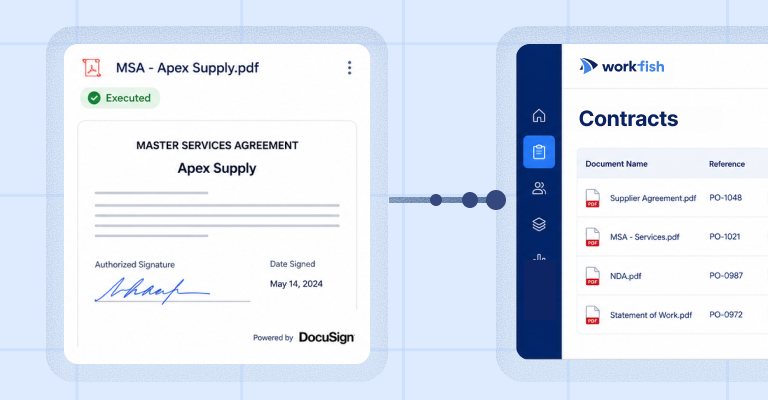
Contract Storage

Store executed agreements in WorkFish so teams can easily find signed contracts, supplier documents, and related purchasing records.
Mockup

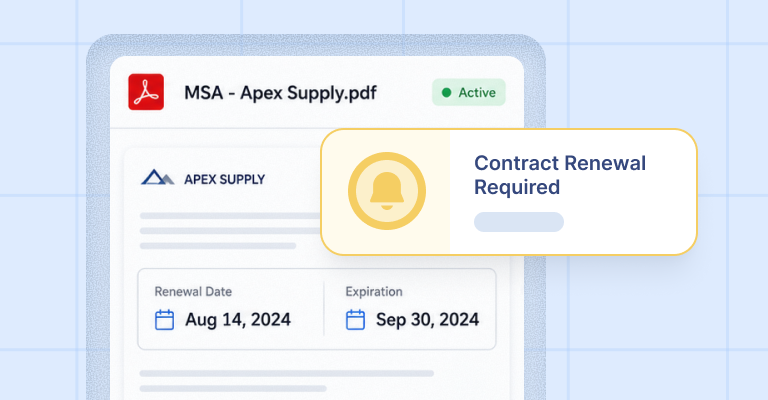
Renewal Tracking

Track contract renewal dates, expiration dates, and key agreement timelines so important follow-ups do not get missed.
Mockup

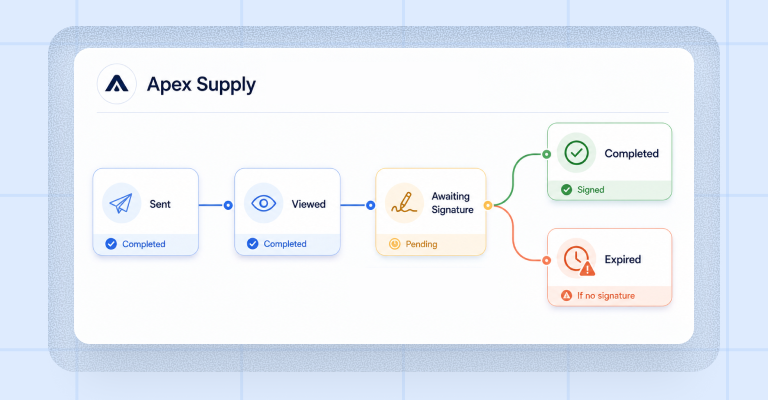
Signature Status Alerts

Stay updated when documents are sent, viewed, signed, declined, completed, or close to expiration.

FAQ

How does the DocuSign integration help with contract management?
It helps teams keep signed agreements connected to their supplier, purchasing, and operational records. Instead of searching through email threads or separate folders, users can access executed documents from the relevant WorkFish workflow.
Can WorkFish track contract renewals and expiration dates?
Yes. WorkFish can help teams track key contract dates, including renewal deadlines and expiration dates, so agreements are reviewed before they become outdated or create operational risk.
What signature updates can users track?
Users can stay informed when documents are sent, viewed, signed, declined, completed, or nearing expiration, depending on the connected DocuSign workflow.
Is this only for contracts?
No. The integration can also support supplier agreements, purchase-related documents, approvals, compliance forms, and other documents that require electronic signatures.
Why connect DocuSign with WorkFish?
Connecting DocuSign with WorkFish keeps signed documents closer to the purchasing and supplier workflows they belong to. This gives teams better visibility, cleaner records, and fewer manual follow-ups.

Connect DocuSign to Your Procurement Workflow
Keep signed agreements, supplier documents, renewal dates, and signature updates connected to the purchasing work happening in WorkFish.

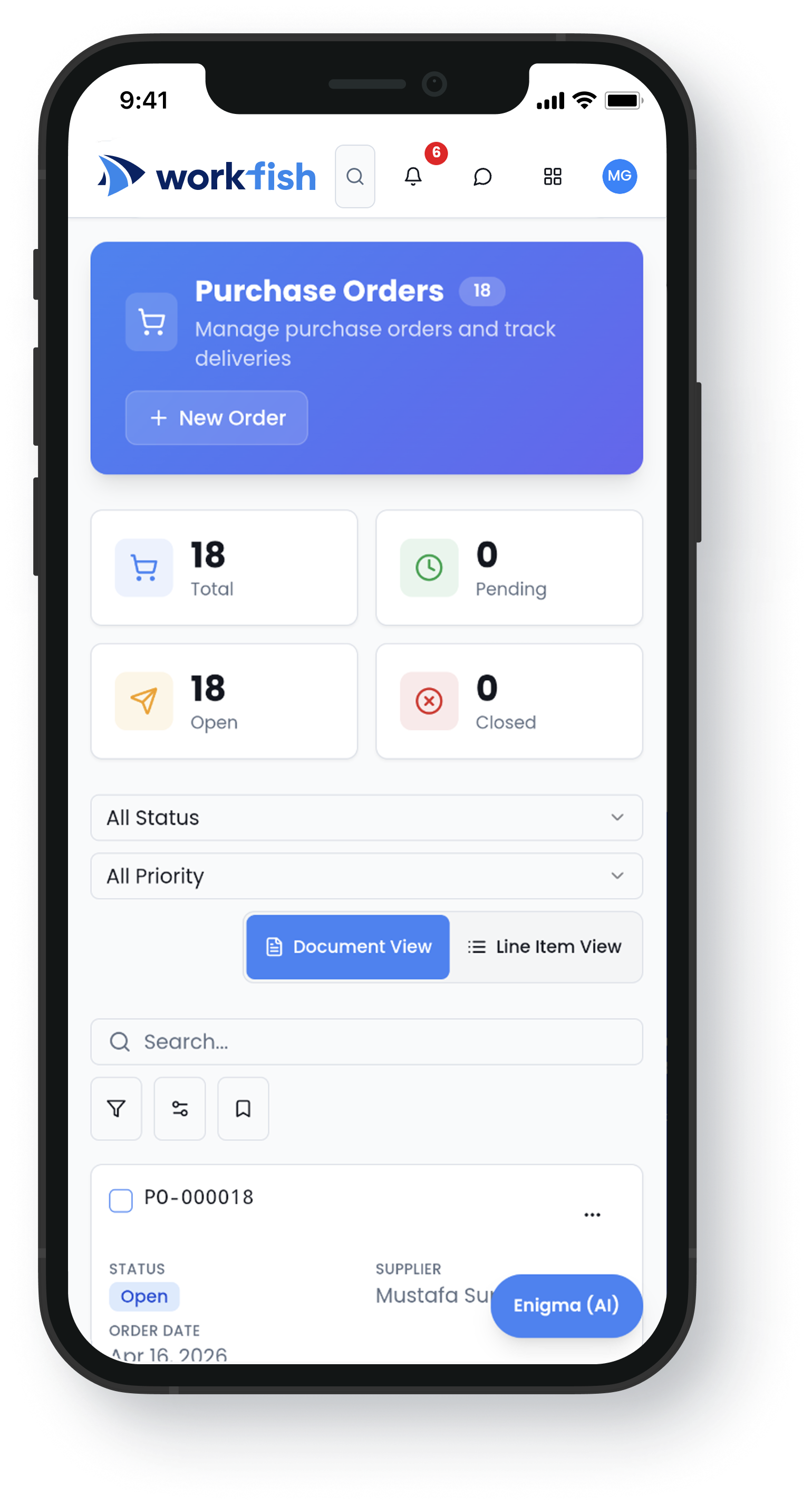
Accessible Anywhere

Our mobile app helps you monitor procurement operations from anywhere, even when you’re offline.
Dashboard mockupiPhone mockup