What does the WorkFish QuickBooks integration do?
The WorkFish QuickBooks integration connects procurement and accounting workflows by syncing approved purchasing data, such as vendors, purchase orders, invoices, and payments, with QuickBooks.
Does WorkFish support multi-location QuickBooks connections?
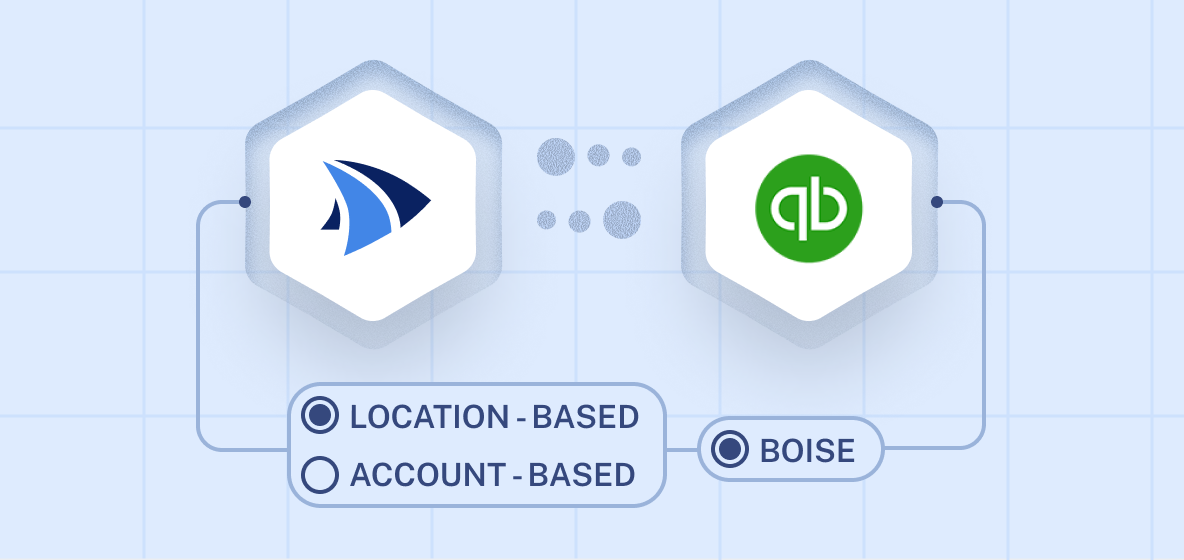
Yes. WorkFish can support location-based QuickBooks connections, allowing businesses to sync purchasing and accounting data separately by location or location group.
Can I connect my full WorkFish account to QuickBooks?
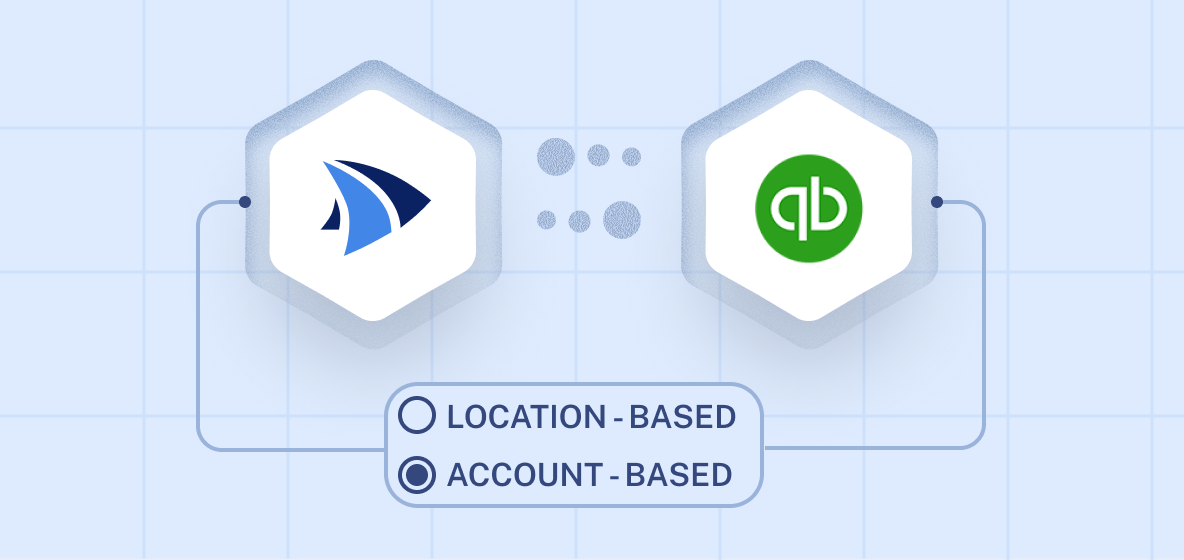
Yes. Businesses can use account-based sync to connect their WorkFish account with QuickBooks and manage procurement and accounting data through one centralized workflow.
How does the integration reduce manual work?
By syncing approved procurement data directly to QuickBooks, WorkFish helps teams avoid duplicate entry, reduce errors, and spend less time moving information between systems.
Who is the WorkFish QuickBooks integration for?
It is designed for procurement, finance, and operations teams that want better spend visibility, cleaner accounting workflows, and stronger alignment between purchasing and finance.
Does the integration help with spend visibility?
Yes. By connecting purchasing activity with QuickBooks, WorkFish helps teams track approved spend more clearly and keep financial records aligned with procurement decisions.