Know what’s in stock, where it’s stored, and when to reorder whether you sell products or use supplies internally.
Schedule a DemoOrganize warehouses down to the bin, see live stock levels with reorder points, and keep every stock change approved and on record.
Know where every item is and how it got there.
WorkFish meticulously logs each receipt, movement, and count, ensuring your stock records accurately track every item throughout the facility.
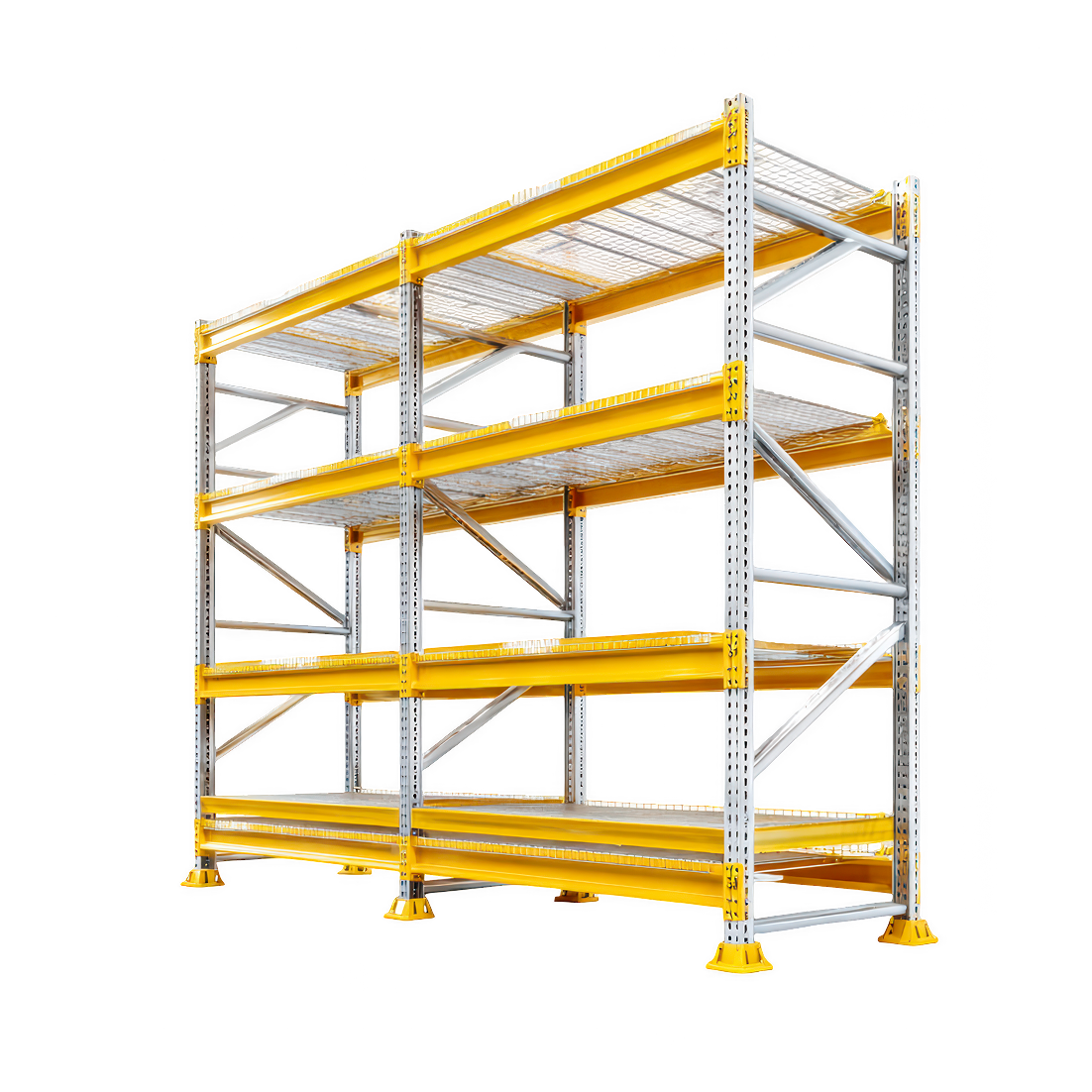
Optimize storage with seven-tier systems, utilizing automated codes and label generation.
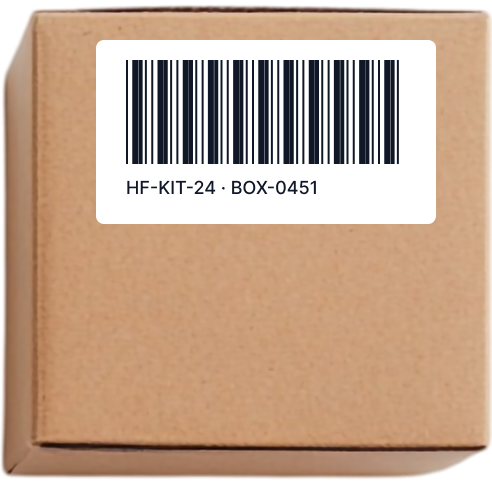
Use a scanner or camera for receiving, picking, and counting. Create custom labels and print.
Track serial numbers, batches and expiry dates, and record serials when items are issued from a pick list.
Transfer stock with approval, count by bin, and justify every record adjustment.
Know what you can use before you commit it.
WorkFish compares stock with the thresholds you set for each item and warehouse, flags what needs attention, and suggests what to replenish.
See on-hand, reserved, available, on-order and in-transit quantities across all warehouses, by location and bin.
See OK, Low, Critical, Overstock, and out-of-stock alerts, each linked to a filtered warehouse view.
Set minimum, reorder, and maximum levels by item and location. Notify users when stock reaches the reorder level.
See low-stock items with suggested quantities, suppliers, lead times, and forecasted needs.
Control who changes stock and keep a record of every move.
Set the permissions, approvals and tasks that match how your warehouse works, and see who did what and when.
Use roles and location permissions to limit each team’s access to its warehouses and stock.
Require approval for transfers, adjustments, pick lists, and counts before stock changes.
Build approval steps with rules by location, department or project, and create tasks.
Report stock by item, warehouse, and location. Log who changed what, when, and quantities before and after.
Every receipt, transfer, pick and count updates stock in WorkFish. Connect it with QuickBooks, Amazon and your ERP or other systems through the WorkFish API.
Schedule a DemoPurchasing and sales work from the same items, warehouses and stock levels, so every receipt adds stock and every shipment takes it away in one place.
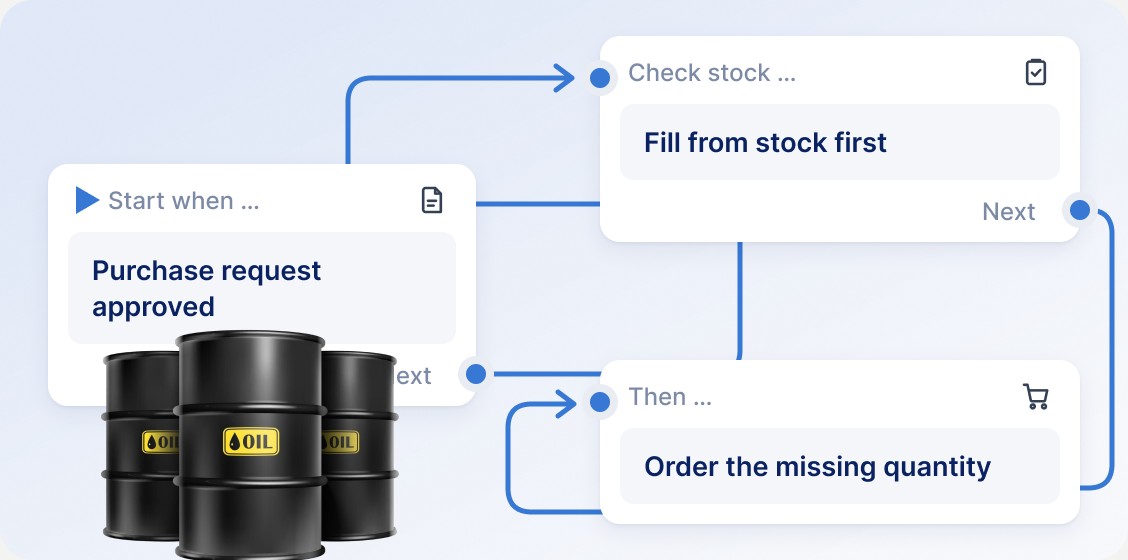
Fulfill requests from stock first. Buy what’s missing and receive it into the right bin.
Schedule a Demo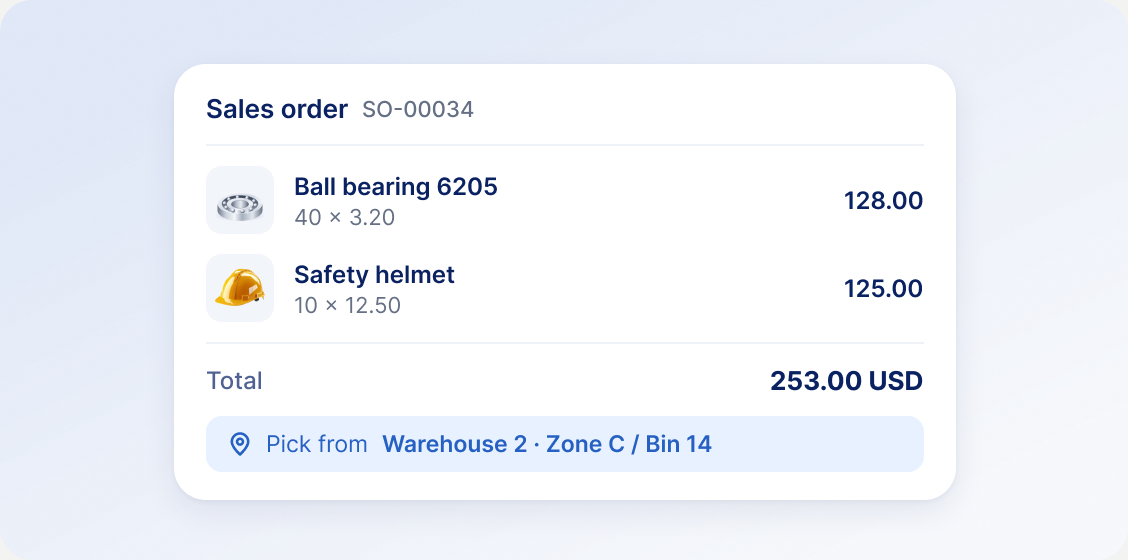
Manage products, customers, price lists, and orders from the same item records. Pick and ship from the right bin.
Schedule a DemoYes. You can set up multiple warehouses and assign them to your locations. Each warehouse can have its own structure with up to seven levels, such as zone, aisle, rack, shelf and bin. Stock is visible per warehouse and per storage location.
Yes. Items can have unique barcodes, and you can scan them with a device camera or a hardware scanner when receiving goods, looking up items, transferring stock, picking and counting. You can also design and print custom labels with barcodes.
Yes. You set a minimum, reorder point, maximum and preferred reorder quantity for each item, with overrides per warehouse. WorkFish marks stock as Low or Critical, sends a reminder to the users or roles you choose when stock reaches the reorder point, and lists items to replenish with suggested quantities.
When a team submits a request, WorkFish shows item availability. Available quantities can be fulfilled from stock with a pick list or a stock transfer, and each document stays linked to the request line. Any remaining quantity can continue to a purchase order or RFQ.
WorkFish offers integrations with QuickBooks and DocuSign. Other systems, such as ERP or accounting software, can be connected through the WorkFish API, and webhooks can notify your systems when events happen in WorkFish. API and webhook connections are scoped and implemented together with our team.
Schedule a demo. We’ll look at how you manage stock today, show the parts of WorkFish that are relevant to you, and discuss the next steps for your setup.
Tell us how you manage stock and purchasing today. In the demo, we'll show how WorkFish would connect your warehouses, requests, reorders and approvals.
Message our team on WhatsApp and see how WorkFish can track your stock by warehouse, bin and reorder point.