
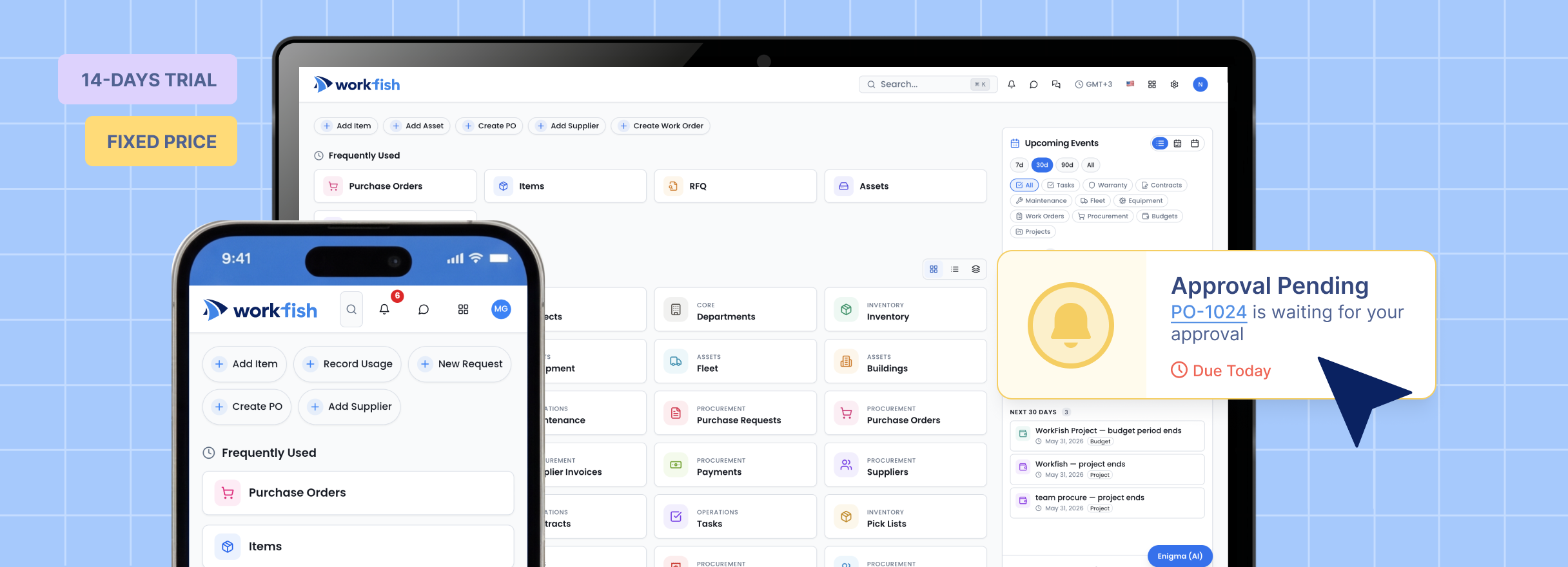
After years of working with fast-growing businesses and operational teams, Co-
Founders Joe Wolin and Onurhan Ozturk saw a recurring challenge: companies were using more tools, but gaining less operational clarity.
One system tracked inventory. Another handled purchasing. Supplier communication lived in email. Approvals happened in chat. Sales and operations teams worked from separate records. As the business grew, the operating picture became harder to trust.
WorkFish started with a practical goal: simplify and modernize how companies operate by connecting the workflows that usually sit apart, especially as operational complexity increases.
A unified platform for inventory, procurement, and operational work consolidates supply chain activity into a single system. WorkFish connects sourcing, purchasing, inventory & asset management, and operational workflows into one source of truth.
That matters because operations work best when related information is connected. A sourcing decision should link to supplier records. A purchase order should reflect inventory needs and available budget. Receiving goods should update operational visibility. A contract should connect to future purchasing activity. Approvals should be easy to track.
Teams can create RFQs, invite suppliers, collect responses through the Supplier Portal, review price matrices, and compare quotes using a heat map that makes stronger and weaker prices visually clear. Buyers can make manual award decisions, use auto-award logic, or split awards between different suppliers.
Teams can manage purchase requests, approvals, purchase orders, supplier records, budget tracking, and request-to-purchase visibility. A purchase order can be created from multiple requests, keeping related demand connected in one controlled buying action.
Budgets can be assigned to projects or used across purchase orders, helping teams track what has been used, what remains available, and what is reserved for upcoming purchases. This gives project owners and finance teams a clearer view of committed spend before the invoice arrives.
When a purchase order is completed, users can evaluate the supplier, turning the completed transaction into supplier performance data for future decisions.
The Warehouse and Transactions apps support the Inventory-to-Purchase workflow by linking inventory needs directly to purchasing actions. The workflow can move from stock visibility or a replenishment need to a purchase request, purchase order, goods receipt, and inventory update.
Because WorkFish supports transactions such as pick lists, stock transfers, and stock adjustments, teams can track inventory activity as real operational movement, not just static stock data. This matters when they need to understand why stock changed, where it moved, and whether purchasing activity matched actual operational needs.
Teams can manage projects, departments, workflow setup, tasks, roles, permissions, locations, and cross-team activity. WorkFish can reflect how the company is actually structured instead of forcing every team into one rigid process.
A modern operational platform has to work with the systems around it. WorkFish
supports a connected ecosystem through Open API capabilities, QuickBooks integration, DocuSign integration, and access across web, mobile, and desktop applications.
Open API capabilities help teams connect WorkFish with external systems and custom workflows. QuickBooks integration supports accounting and finance handoff. DocuSign integration supports contract signing and approval-ready contract workflows. Together, these integrations help WorkFish sit inside the existing business system environment instead of becoming another isolated tool.
Web, mobile, and desktop access help distributed teams stay connected across offices, warehouses, locations, and field operations. Mobile approvals and notifications are especially important for managers and operators who are not always working from a desk.
WorkFish sits between narrow point solutions and heavy enterprise suites. This
positioning matters because operational teams often need depth and usability at the same time.
Odoo is a useful reference for modular business apps. NetSuite and Acumatica show how operations, inventory, and purchasing can live in broader business systems. Tradogram is relevant for procurement workflows like RFQs, supplier portals, approvals, and inventory. ServiceNow is a reference point for workflow orchestration. Coupa, Ivalua, SAP Ariba, and GEP show the depth of enterprise procurement suites.
WorkFish is designed to offer an enterprise-grade feature set with a simpler user
experience, faster adoption, and an ecosystem that can grow without becoming harder to operate. The goal is not to reduce capability. The goal is to make advanced workflows easier for mid-market and enterprise teams to actually use.
The difference is not just that WorkFish has multiple modules. The difference is that those modules are designed to work together.
That is the core value of a unified operational platform: one ecosystem where teams can manage the flow from supplier sourcing and RFQs to purchase orders, inventory visibility, approvals, contracts, invoices, budgets, supplier performance, and reporting.
This release is an important step in the broader WorkFish vision: one connected
platform with 24+ apps across procurement, inventory, sourcing, sales, and operations.
The next step is to complete RFI and RFP products, expanding WorkFish into a fuller Source-to-Contract and Source-to-Pay workflow. That means teams will be able to move from supplier discovery and qualification to RFQs, RFPs, contracts, purchase orders, receiving, invoice visibility, accounting handoff, and reporting in one connected operating environment. The roadmap is focused on completing the lifecycle, not adding disconnected modules for their own sake.